


### Blog Post:
Automatic pet feeders offer busy pet owners peace of mind, but buying the right model requires far more than just comparing features. Real-world reliability, hidden recurring costs, and how well feeders perform in multi-pet homes—especially with wet food—matter much more than camera quality or smartphone bells and whistles. If you want consistent, stress-free scheduled feeding, this guide is for you.
Key Takeaways
- Mechanical reliability and food freshness are the biggest differentiators among automatic pet feeders—not just app or camera features.
- Recurring cloud costs, Wi-Fi requirements, and schedule loss during outages are common pitfalls rarely flagged in best-of guides.
- Testing for true multi-pet handling, anti-jam mechanics, and wet food freshness is essential before relying on any feeder.
- What Makes Automatic Pet Feeders Truly Reliable?
- How To Choose And Test An Automatic Pet Feeder: Step-by-Step
- Advanced Analysis & Common Pitfalls: What Most Guides Don’t Cover
- Final Thoughts & Takeaways
- Frequently Asked Questions
What Makes Automatic Pet Feeders Truly Reliable?
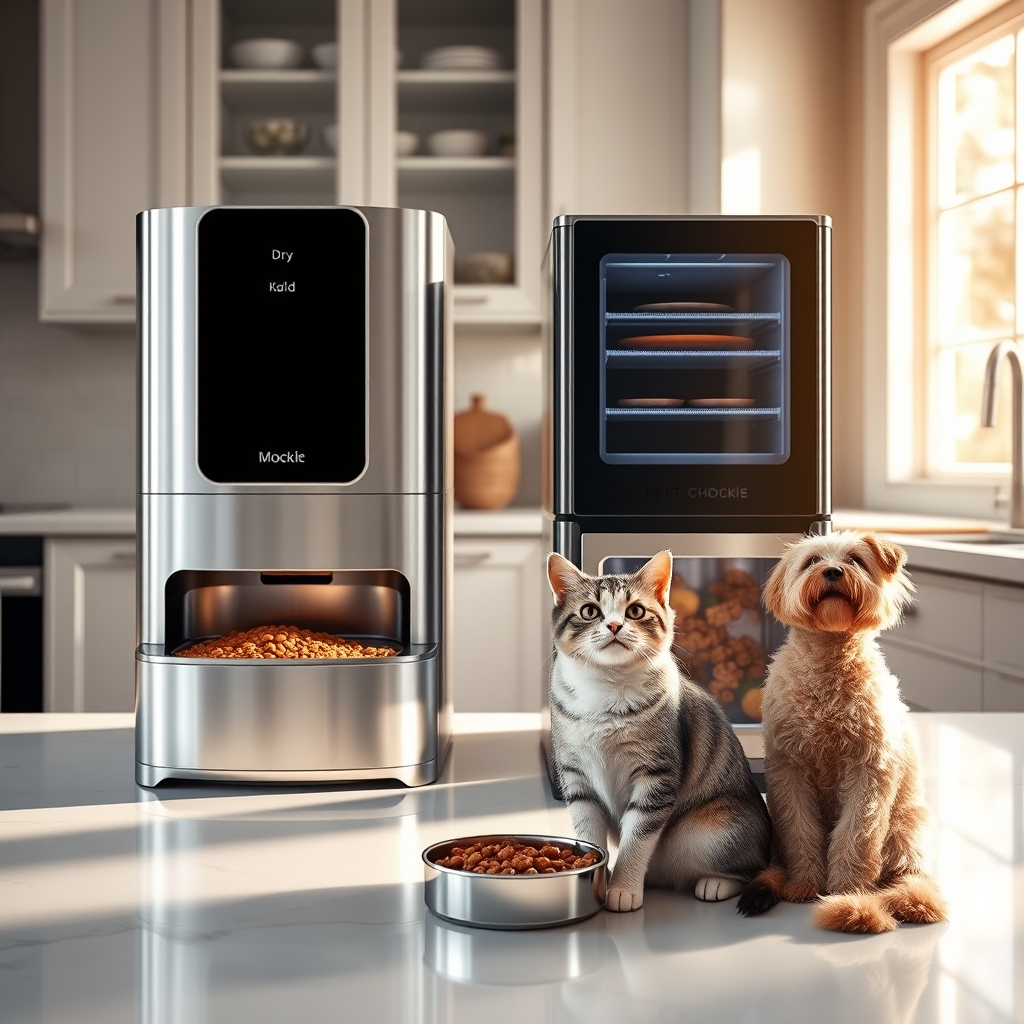
Most reviews focus on automatic pet feeders’ features—smartphone apps, cameras, and meal tracking. But owners report a different story: reliable pet nutrition depends on long-term mechanical performance, make-or-break Wi-Fi dependencies, real cost-of-ownership, and honest results in every feeding mode—not just what’s in the brochure.
Here’s why:
-
Mechanical jams and cloud failures are the biggest risks.
Food-jamming is the most-reported problem, according to The Consumers Guide. Wi-Fi or cloud dependency can halt feeding altogether, as cited by AITAKON. -
Recurring costs and hidden subscription traps add up.
Many smart feeders require annual fees for video storage or advanced scheduling—$139 per year is typical for camera-enabled models, per AITAKON. -
App-only setups can leave you locked out when offline.
Real users complain about schedule loss and lack of local programming—if your Wi-Fi goes down, some models stop working altogether. -
Wet food freshness is limited, cleaning matters, and multi-pet setups introduce new risks.
Only a handful of feeders tackle refrigeration and effective food separation; RFID bowls exist, but cross-feeding and tag errors are common complaints.
Put simply, buying the right feeder means focusing on design details that guarantee fresh food and scheduled reliability—across multiple pets and food types—not just flashy smart home extras.
How To Choose And Test An Automatic Pet Feeder: Step-by-Step
- Decide on Required Type: Do you need dry kibble, wet food, or a hybrid? wet food freshness automatic feeder variants need refrigeration if left out for over 12 hours; most standard models don’t offer this.
- Check Mechanical Reliability: Scan for “anti-jam mechanism,” “food-level sensor,” and “power backup” in specs. The best automatic dog feeder products make these features clear. Read a hands-on automatic cat feeder review for real-world reliability checks.
- Assess Scheduling Controls: Pick models with both on-device controls and app-based programming. If a smart pet feeder can only be set via app, schedule loss during Wi-Fi issues is a risk.
- Test Connectivity Basics: Dual-Band Wi-Fi support (2.4GHz and 5GHz) increases compatibility. 2.4GHz-only restrictions often block users with modern routers (AITAKON).
- Evaluate Battery Behavior: Ask: Can the feeder dispense on schedule if Wi-Fi or power fails? Does battery only keep time, or ensure mechanical feeding?
- Inspect Portion and Delivery Accuracy: Owners cite portion-size rounding and kibble-bridging issues in budget models. Look for accuracy claims around 97% or higher (PetSafe Smart Feed).
- Check Wet Food Freshness Windows: Most wet food automatic feeders keep food fresh for only 24 hours, based on real tests. Cleaning frequency also rises sharply with wet food.
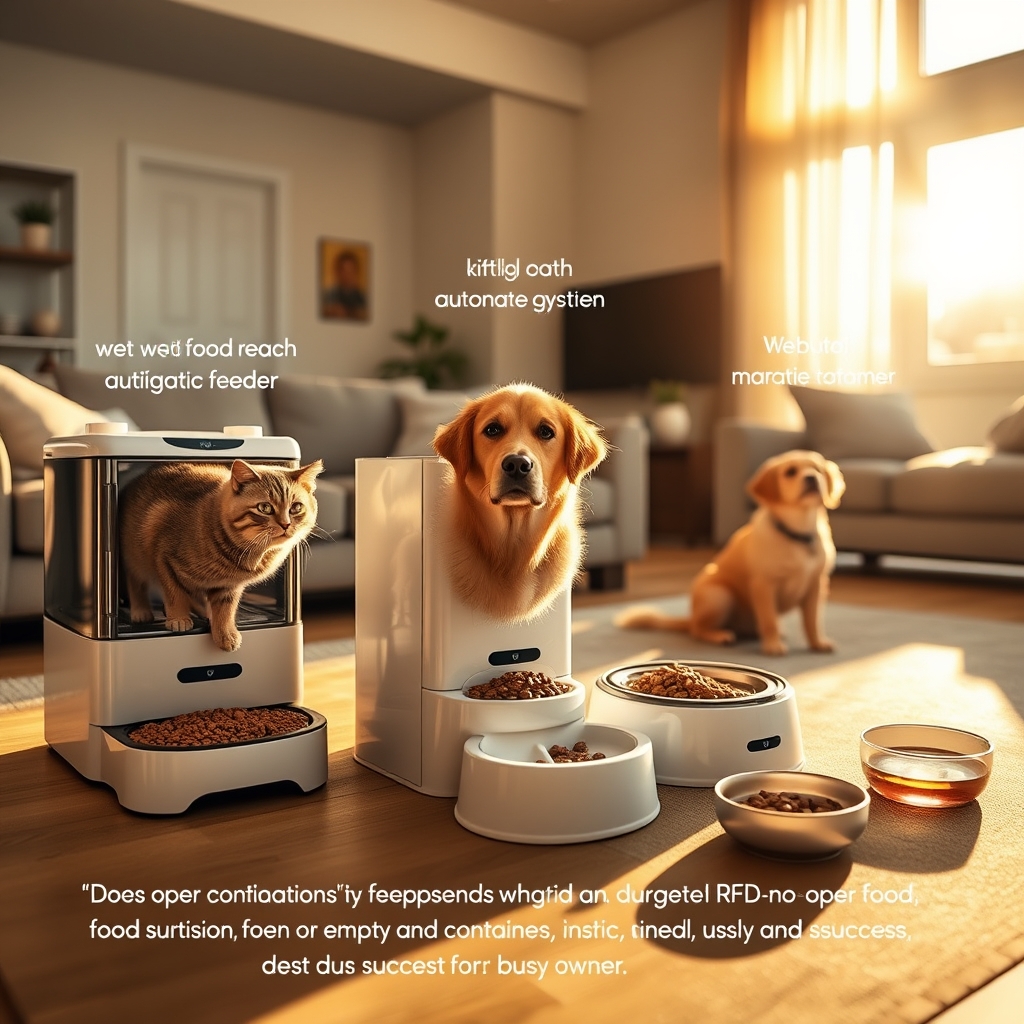
- If Multi-Pet: Examine Access Controls: RFID bowls and barriers exist, but user reports cite tag read failures and pets blocking each other. Test in your home, not just by spec.
- Total Cost Audit: Ask up-front about cloud video storage, premium scheduling, and compatible accessories. Recurring subscriptions are often buried in app settings or footnotes.

Want more on practical pet tech? Check out the guide to building a smarter home for integrated device strategies.
Advanced Analysis & Common Pitfalls: What Most Guides Don’t Cover
Most top-ten lists for automatic pet feeders list the same criteria: food capacity, app features, backup batteries, and price. But owner complaints and real-world tests point to a different set of must-knows:
- Cloud Dependency Risks: If a wifi pet feeder or automatic cat feeder with camera needs the internet/cloud to maintain feeding times, any Wi-Fi or cloud outage can skip meals entirely (AITAKON).
- Portion Accuracy and Jam Rates: Jams are the number one failure per The Consumers Guide; cheap timed pet feeder models rarely list jam resistance.
- Wet Food Freshness Reality: Refrigerated models exist, but a wet-food feeder reviewer found only ~24 hours of real freshness. Non-refrigerated options do worse. Frequent, thorough cleaning is mandatory.
- Multi-pet Access Traps: RFID or tag-based solutions help, but are not foolproof. Tag read failures, slow unlocking, and physical pet fights are commonly cited but under-reported.
- Hidden Recurring Costs: $139/year cloud video storage fees and premium scheduling charges are rarely upfront—even in models called the “best automatic dog feeder.”
- Wi-Fi Incompatibility: Many feeders only support 2.4GHz Wi-Fi. If your network is 5GHz, setup may fail entirely.
- Battery Backup Gaps: Most units keep the time running, but don’t dispense food when offline. Always clarify and test this before trusting an absence feeding plan.
- Lack Of Cleaning Access: Hard-to-remove bowls or tight dispensing zones can trap food residue—users frequently complain about cleaning, especially with wet food automatic feeder models.
| Key Feature | Why It Matters | How To Test / What To Ask |
|---|---|---|
| Anti-Jam Mechanism | Prevents missed meals, especially with odd-sized kibble | Request jam rates; test with your kibble; check if cleaning is tool-less |
| On-Device Controls | Essential if Wi-Fi/app fail; prevents schedule loss | Try programming a meal without the app or internet |
| Dual-Band Wi-Fi | Setup reliability for modern homes; avoids 2.4GHz-only issues | Verify with seller; ask for 5GHz support |
| Battery Backup | Keeps schedule during outages—if implemented properly | Unplug feeder and test if food dispenses on time |
| Portion Accuracy | Vital for pets with strict diets | Compare claimed vs actual output with a scale |
| Wet Food Refrigeration | Prevents spoilage, especially >12 hours | Check claimed freshness window and test at home |
| Multi-Pet Controls | Stops food guarding and cross-feeding | Try RFID/tag setup if you have multiple pets; observe real usage |
| Subscription Fees | True total cost may double first-year price | Read app fine print and user reviews for recurring charges |
| Cleaning & Hygiene | Protects pet health, simplifies upkeep | Ask if bowls/trays are dishwasher safe, or removable without tools |
For more hands-on advice, check our in-depth VOLUAS automatic cat feeder review—and always test on your actual food and pets.
Final Thoughts & Takeaways
Don’t let marketing features distract you: Focus on what actually ensures your pets get their food, on schedule, every time. That means prioritizing anti-jam mechanics, honest schedule persistence, true battery backup, reliable connectivity (ideally Dual-Band Wi-Fi), wet food preservation, and realistic multi-pet solutions—not just camera specs or smartphone extras.
Before you trust your pet’s nutrition to any device, automatic pet feeders must pass real at-home tests. Run a 72-hour trial, try programming without internet, check true cleaning ease, and scrutinize every recurring app fee in advance.
If you want more ideas on enriching your pets’ routine, explore our guide on pet supplements and tips for enrichment toys. Ready to upgrade scheduled feeding? Start with a model that passes the practical tests above—your pets (and wallet) will thank you.
Frequently Asked Questions
How do automatic pet feeders handle power or Wi-Fi outages?
Most feeders switch to battery backup for timekeeping, but often cannot dispense scheduled meals if Wi-Fi is down or if they rely on cloud schedules. Models with true on-device programming are more fail-safe—test your feeder with the internet unplugged before relying on it.
Can I use a wet food automatic feeder if I’m gone for more than a day?
Generally no. Even refrigerated models only keep food safe for about 24 hours, according to reviewers. Non-refrigerated wet food feeders should never be used for longer absences due to spoilage risk.
What portion accuracy can I expect from an automatic feeder?
Premium models like PetSafe Smart Feed claim up to 97% accuracy, but many budget feeders round each portion and are less consistent—especially with large or oddly-shaped kibble. Always test with your food and a kitchen scale.
Are subscription fees always required for app or camera features?
No, but many wifi pet feeder and automatic cat feeder with camera models charge for advanced video storage ($139/year is typical) or for extra scheduling. Always verify costs in the app store listing or manual before buying.
How can I stop my pets from stealing each other’s food with automatic feeders?
Look for feeders labeled “automatic feeder for multiple pets” or with RFID/bowl access, but know that real-world reviews document RFID tag errors and pets blocking each other. Observe behavior in your home and have a backup plan if sharing is an issue.
—